Scans

Mobile

How it works on a phone: taps, sizes, scrolling, the home-screen icon.

What it looks for

A layout that only fits a laptop, so the phone shows a strip of it. Controls that only work with a mouse or the keys. The sideways scroll that should not be there. The page that zooms in when you tap a box.

The things only a phone does: a long press that highlights the wrong thing, a drag that scrolls the page instead of moving the piece, the keyboard covering the box you are typing in.

And at the Deep level, buttons too small to tap, text too small to read, and what happens when someone saves the app to their home screen: the icon, the name, the color behind it.
Hard to reachA stretchEasyToo smallSave
  • Where a thumb lands. Buttons at the top of a phone screen are a stretch.
  • Big enough to tap. Anything under 24 px gets missed.
  • Text that fits. No zooming to read it.

How a scan goes

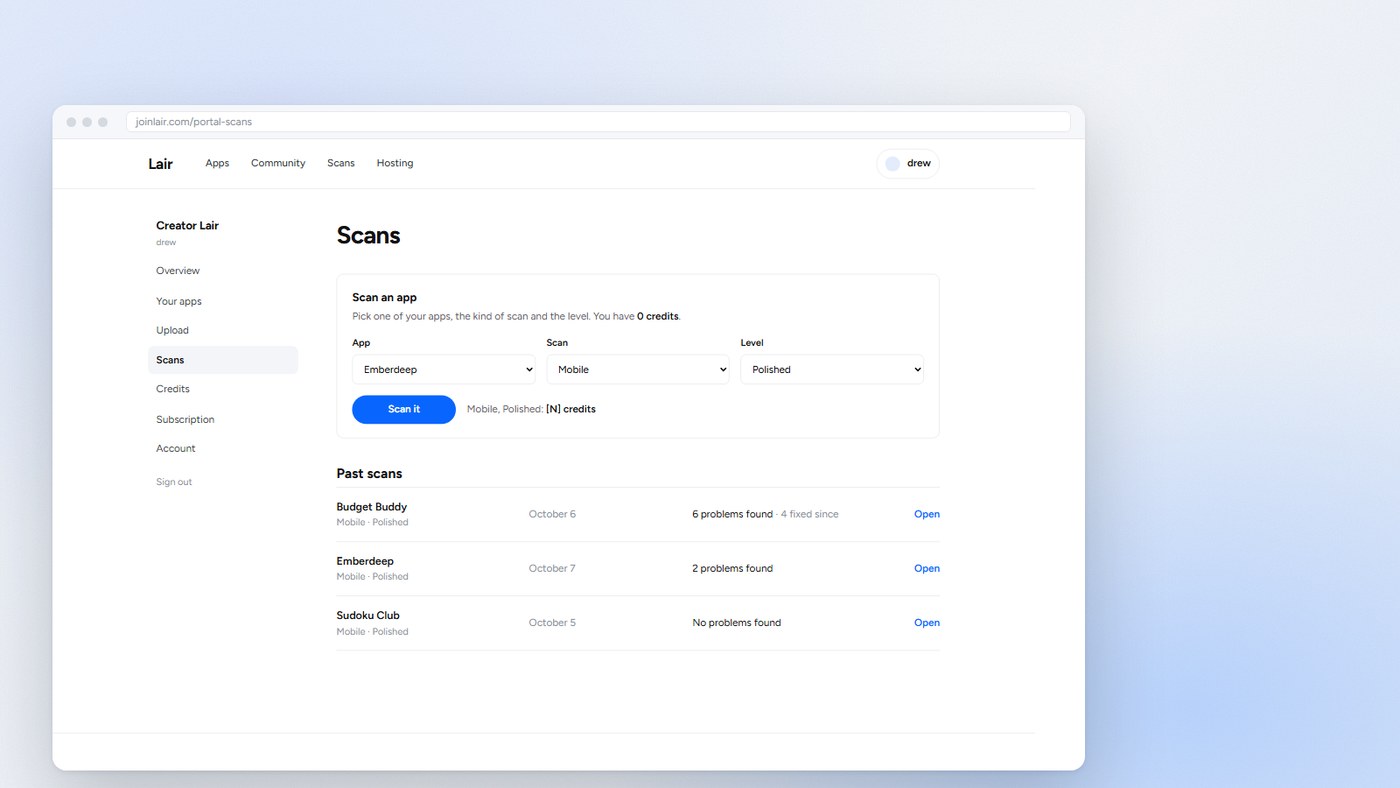
1

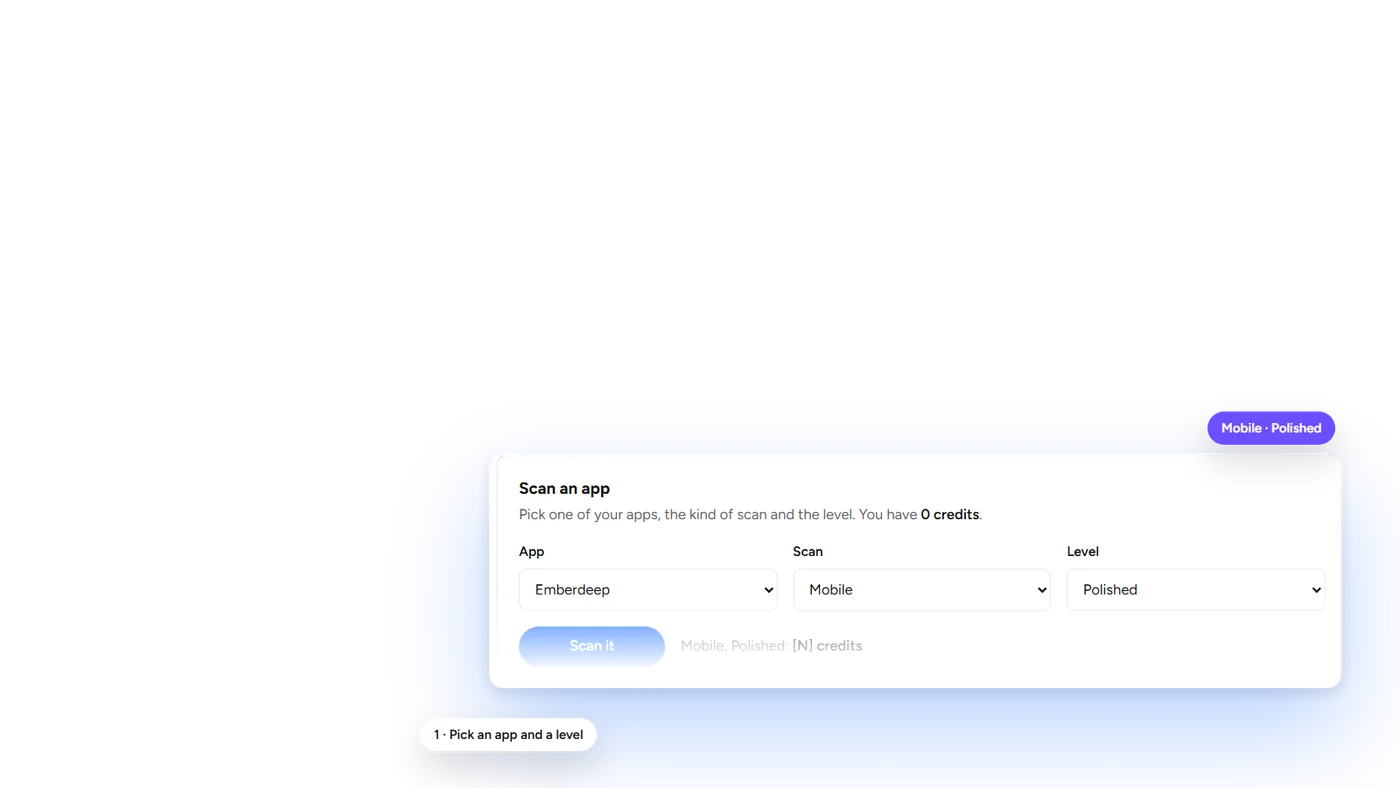
Pick an app and a level

In Creator Lair, choose the app, the kind of scan and the level: Quick, Polished or Deep.

Step 1: Pick an app and a level
2

The scan runs

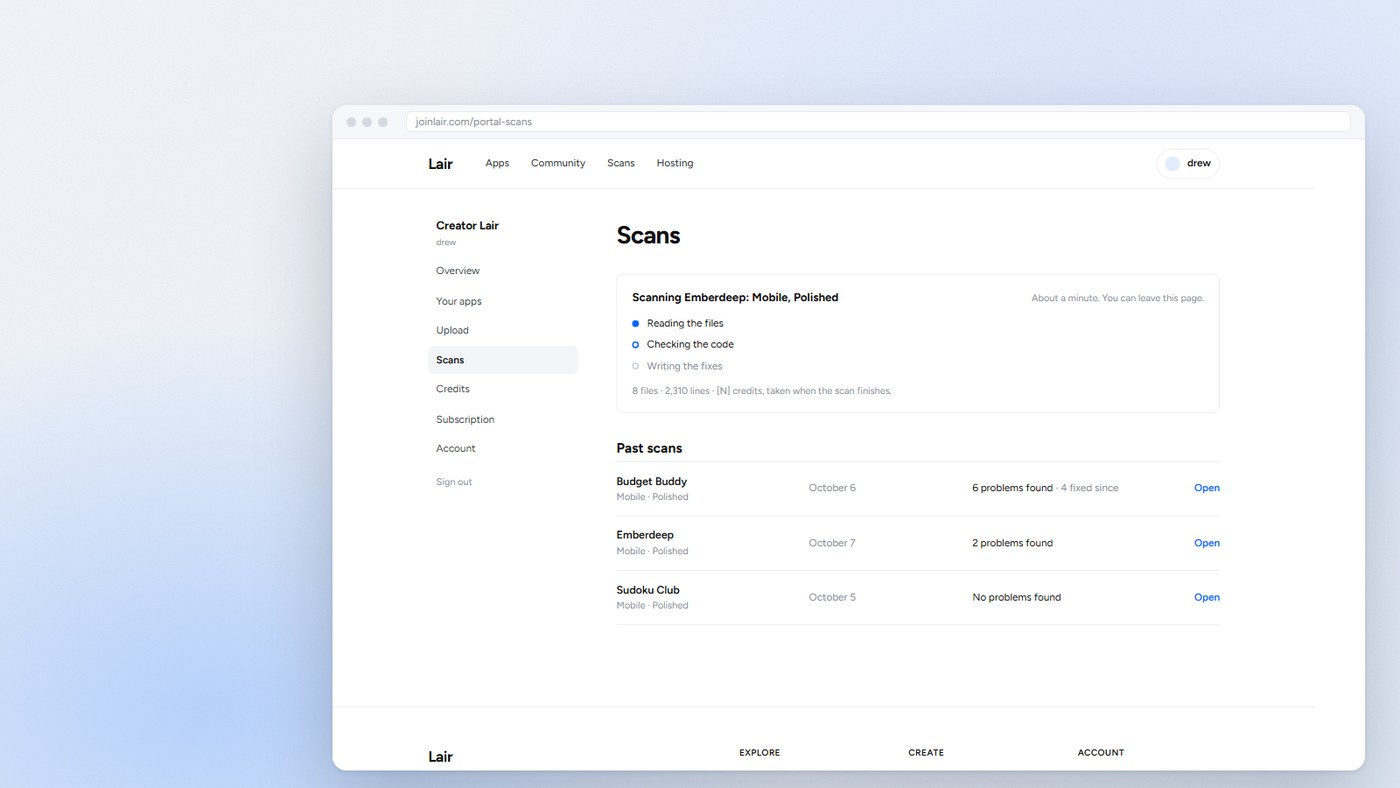
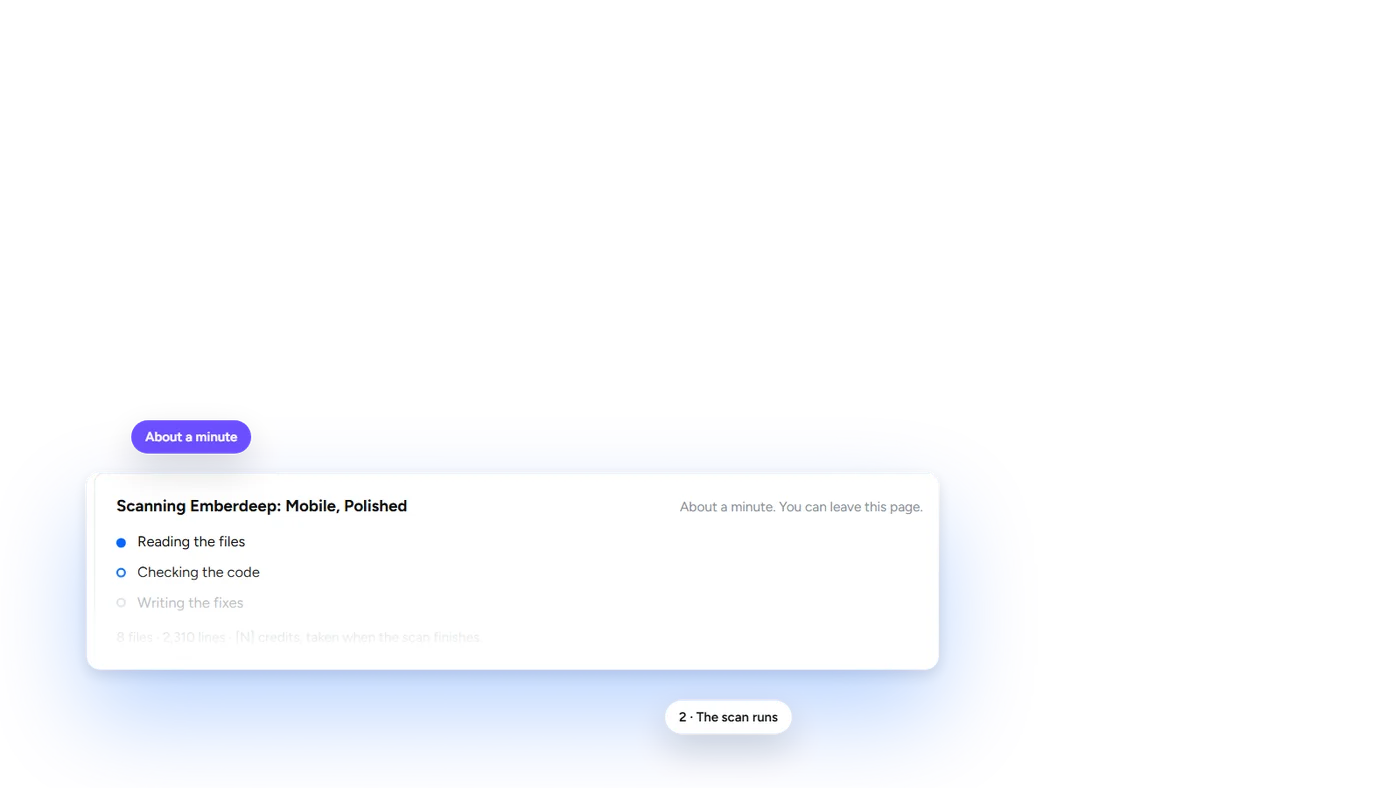
About a minute, up to two for big apps. It reads the files, checks the code and writes the fixes. You can leave the page.

Step 2: The scan runs
3

See what it found

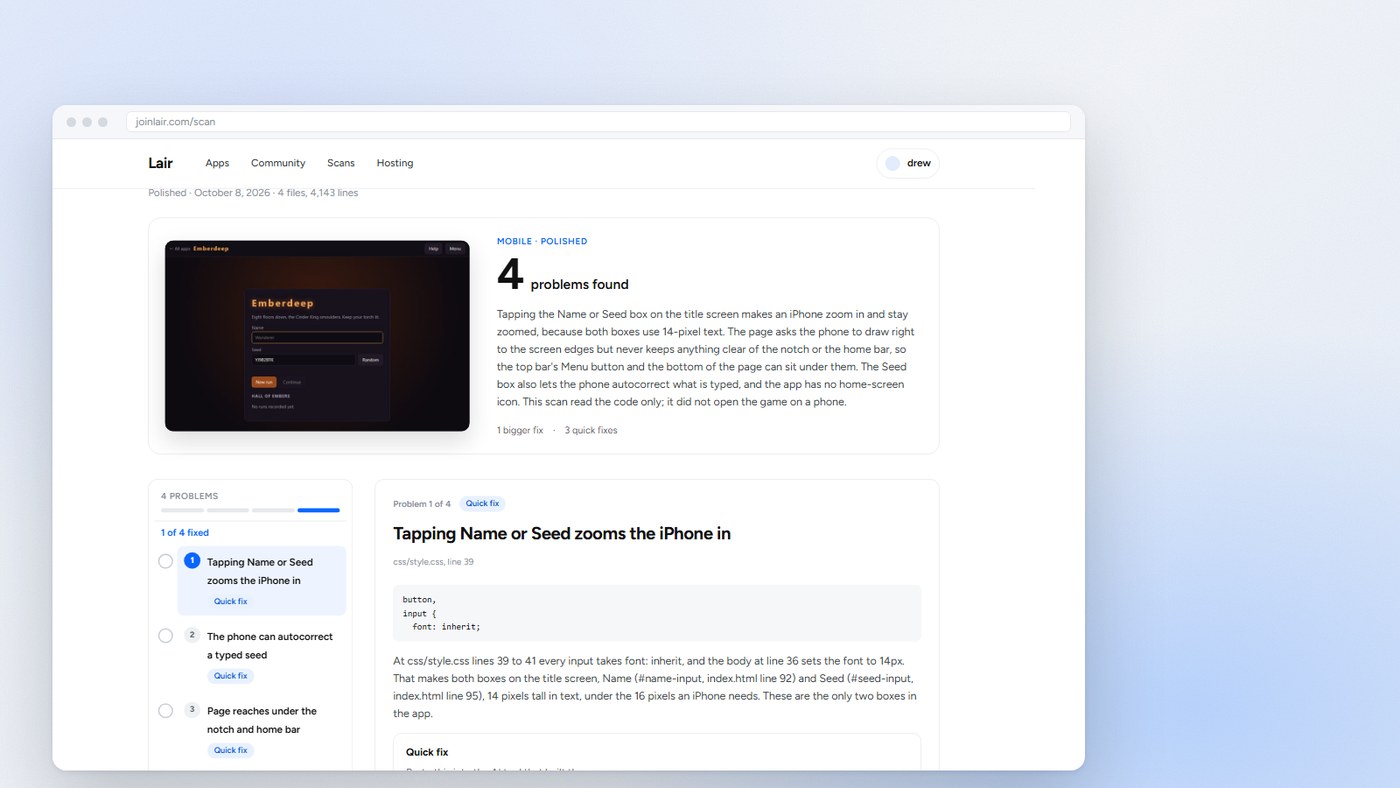
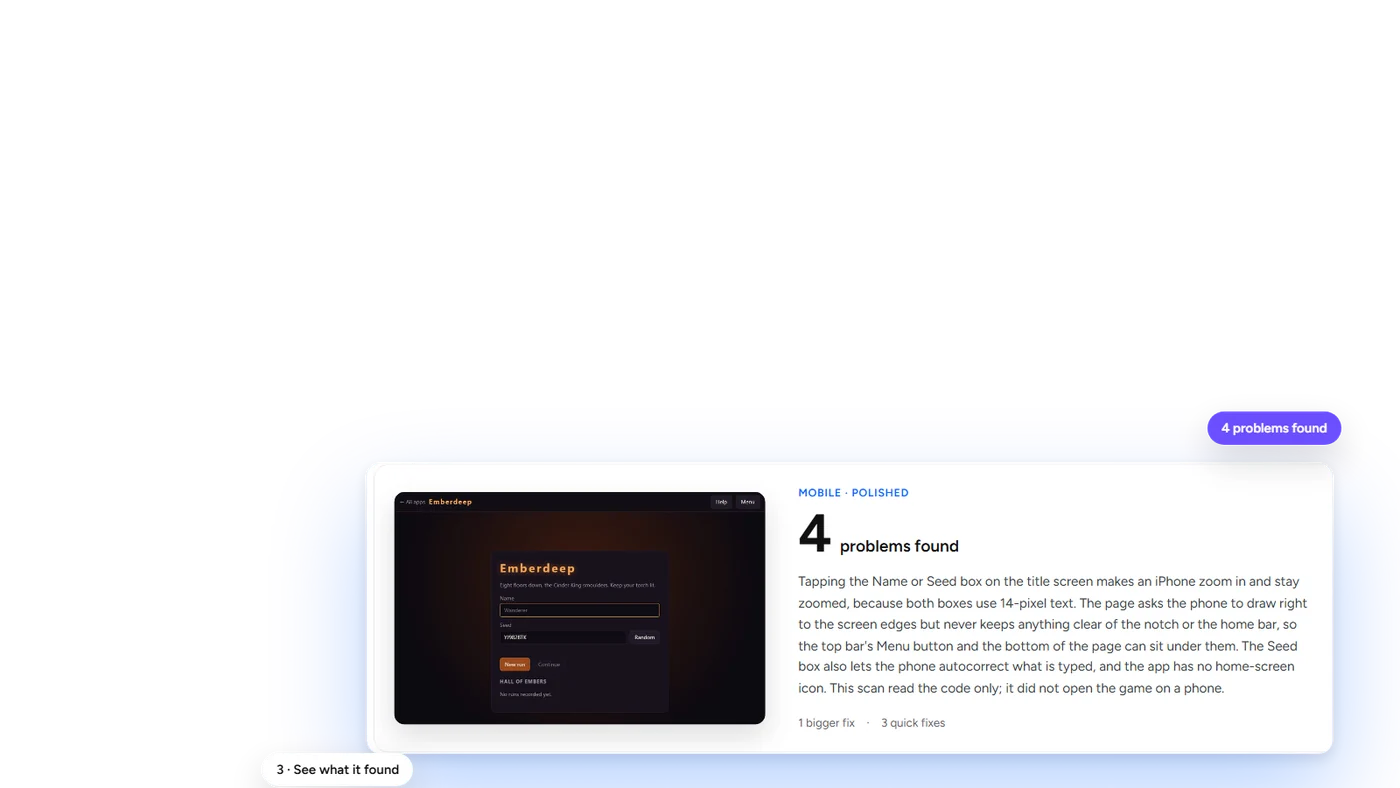
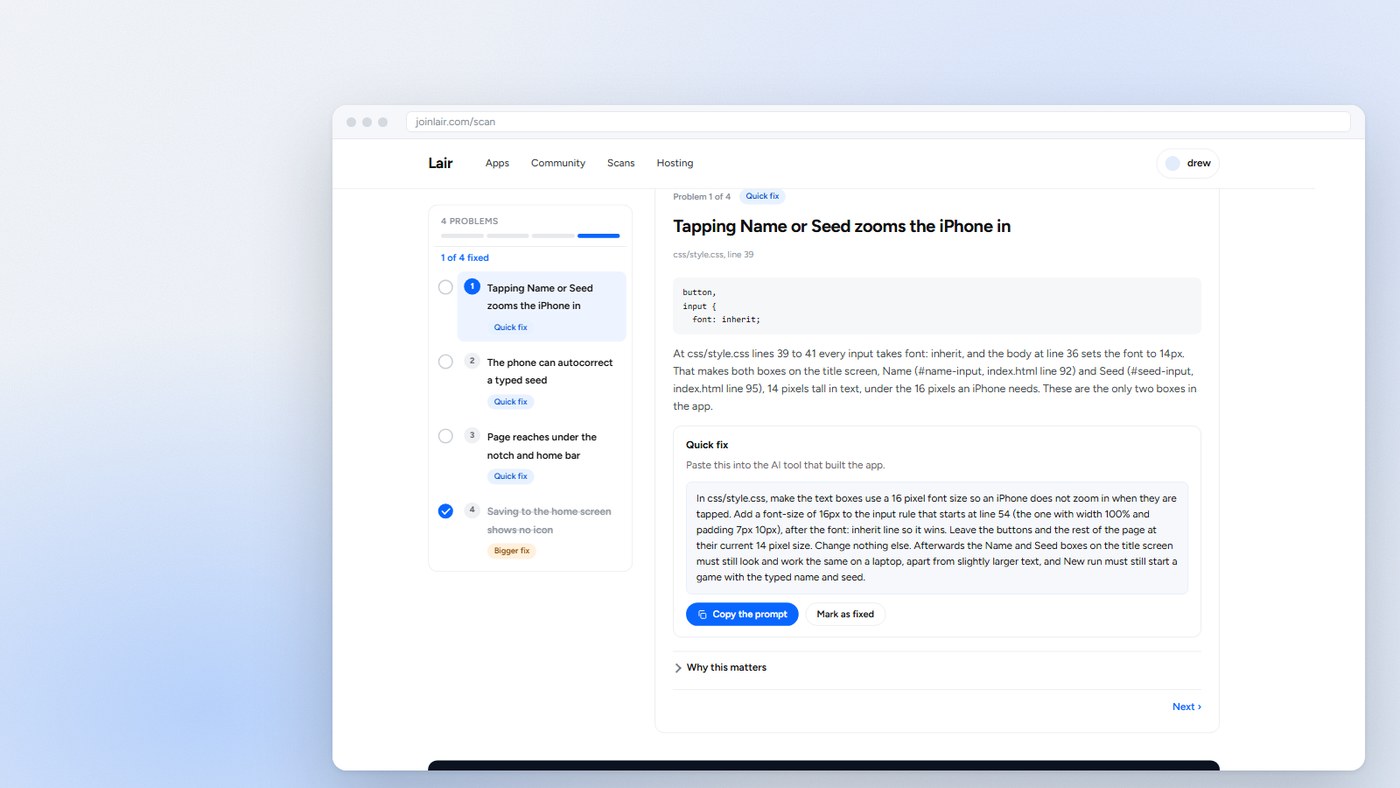
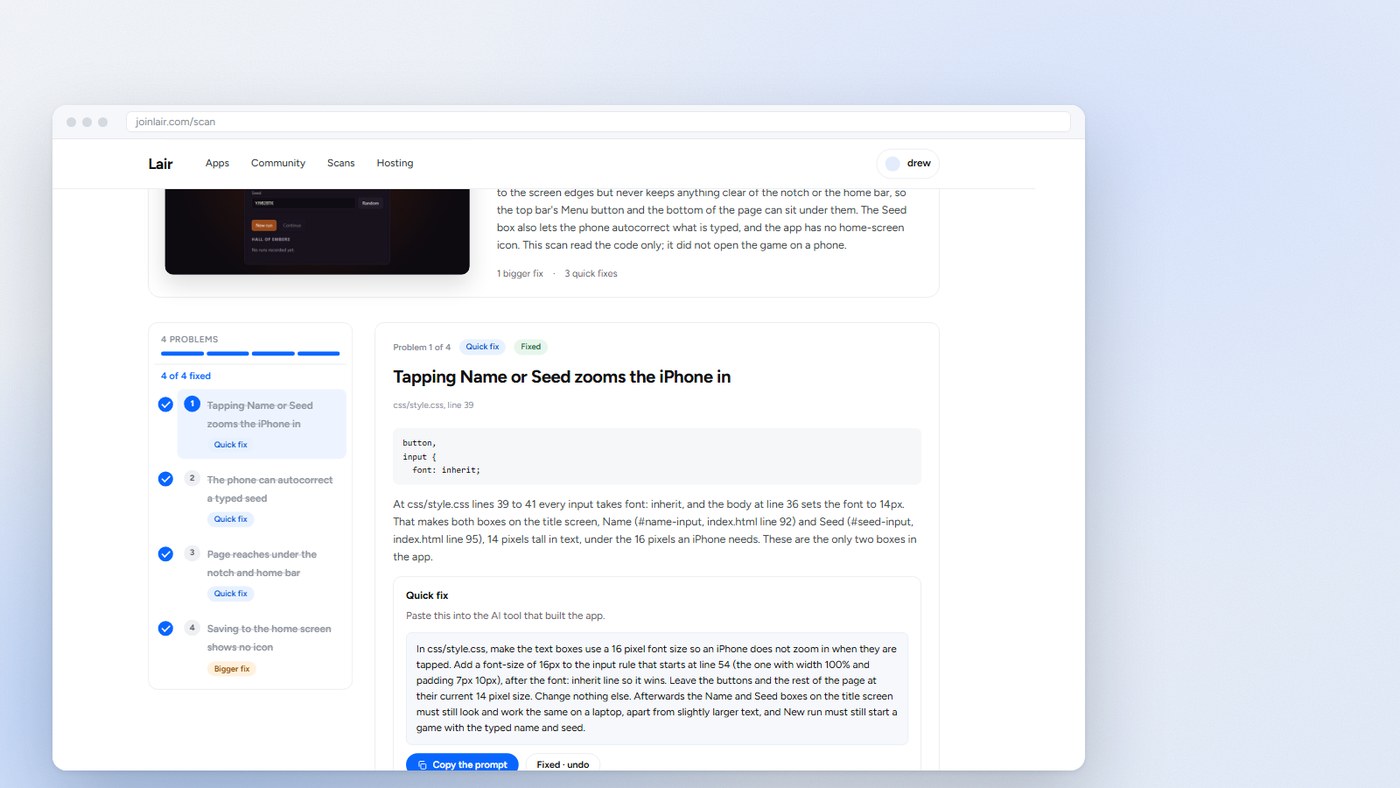
A report card first: how many problems, and the biggest ones. Then each problem, with the exact line and what goes wrong there.

Step 3: See what it found
4

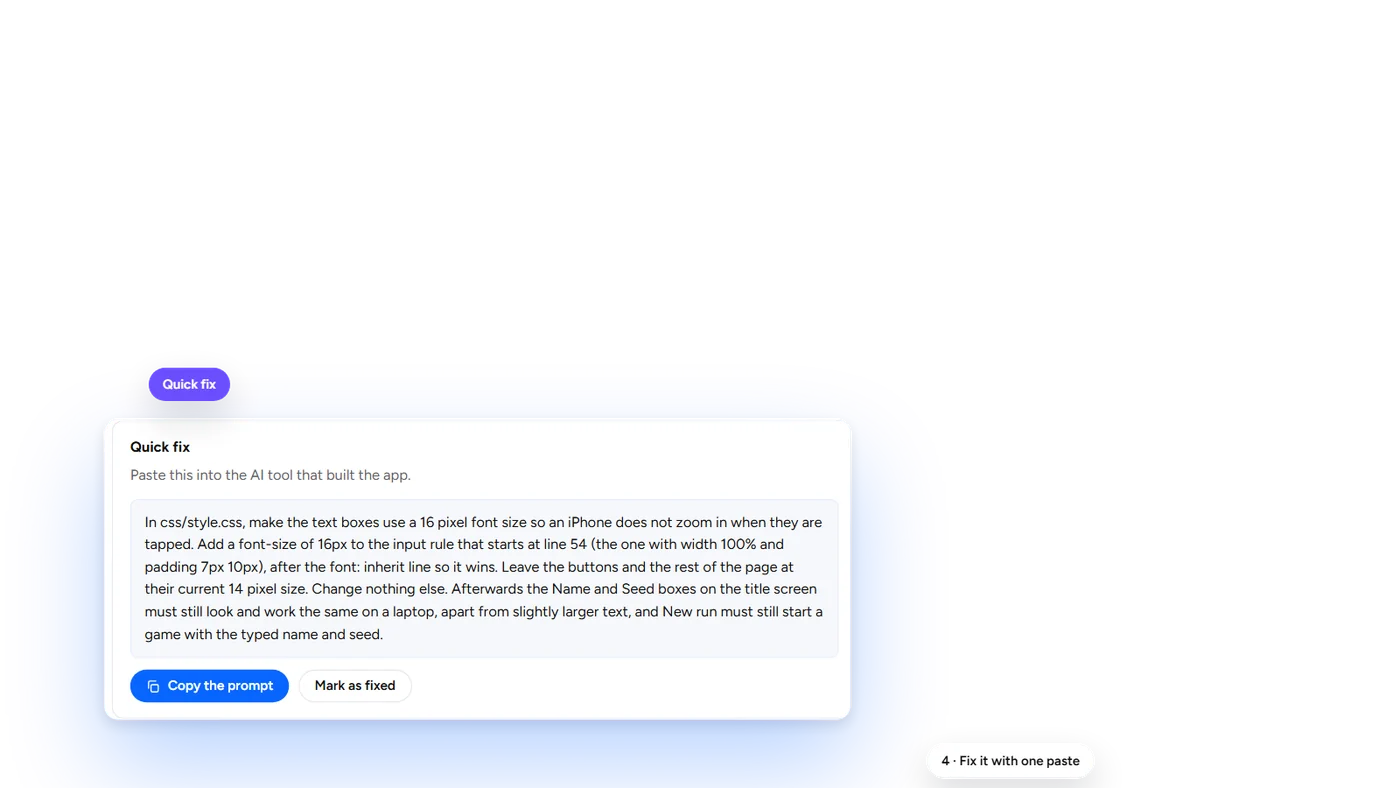
Fix it with one paste

Every problem comes with a prompt written for the tool that built the app. Copy it, paste it, mark it fixed.

Step 4: Fix it with one paste
5

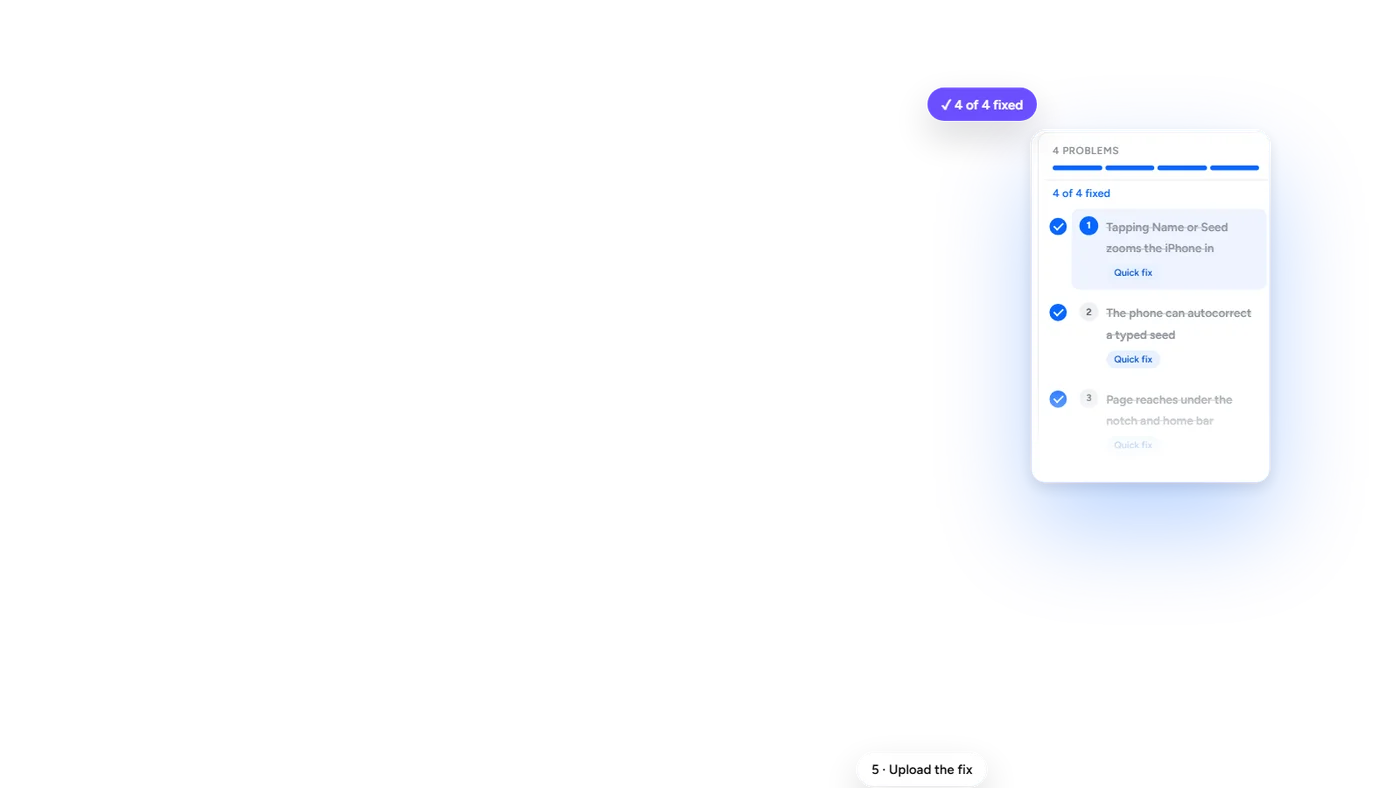
Upload the fix

Upload the new version from Creator Lair and the fixed app is live at the same address.

Step 5: Upload the fix

Three levels

  • Quick

    The things that make an app unusable on a phone: a page that does not fit the screen, controls that need a mouse or keys, the sideways scroll, pop-ups that cannot scroll.

    5 to 20 credits, by app size

  • Polished

    A fuller pass over what only a phone does: the zoom when you tap a box, a drag that scrolls the page, pinned bars that hide part of it, turning the phone.

    10 to 30 credits, by app size

  • Deep

    Everything we look at, including button and text sizes and the home-screen icon.

    15 to 50 credits, by app size

Questions

Does it test on a real phone?
It reads the code for the things that go wrong on phones. It does not run the app on a phone, so after the fixes, open the link on yours.
Who can run a scan?
Pro and Max members. A scan costs credits, and both get credits every month.
Does it fix the app for me?
No. It tells you what to fix and writes the prompt. You paste the prompt into the tool that built the app, then upload the new version.

Scan your app for phones

Scan an appAll four scans